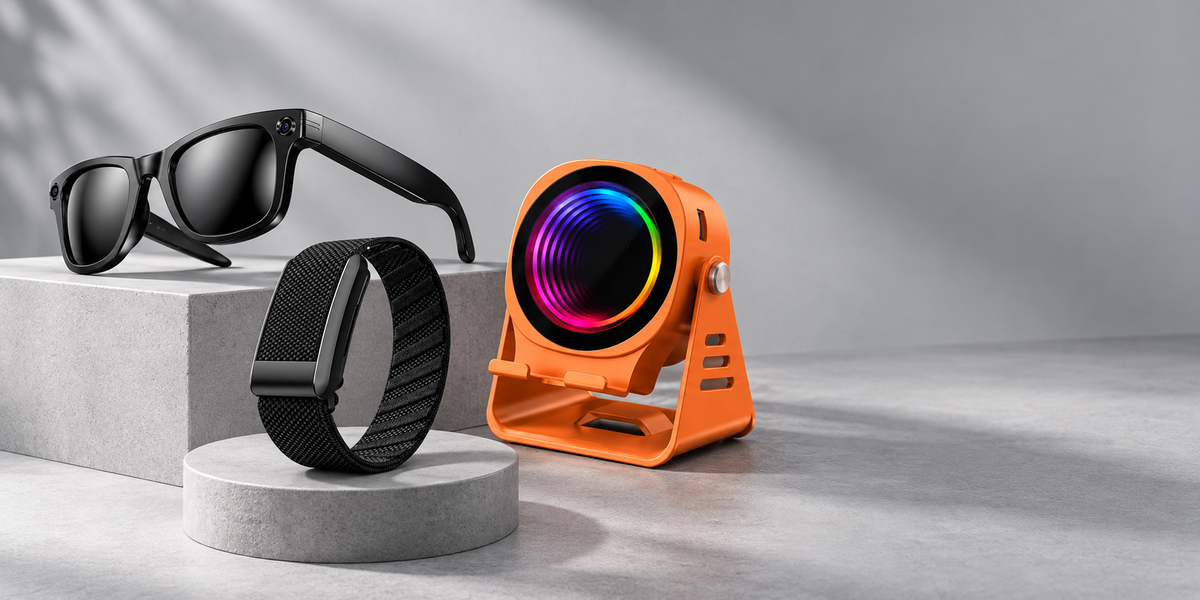
Choose your model first: W610T and M08T use Prism Pro. The demonstrations below show general handling or app features on compatible models. Controls, app screens and lens compatibility can differ. Use your model manual and setup guide.
ULMIED VIDEO GUIDE
Product demos & creator videos
Watch W610T through a creator's eyes, then explore lens handling and the companion app with our setup guides. Press play on any video to begin.
W610T · CREATOR DEMO
Through a creator's eyes.
A closer look at W610T in everyday use, with a creator's commentary and scenes from a day with friends.
19-second edited excerpt · Original English audio. Press play to watch.
Explore W610T camera glasses →
VIDEO 01 · SETUP GUIDE
Quick Lens Change
Purpose: Use this video when learning how to remove and refit a compatible lens. It gives customers and support teams a clear visual reference before handling the frame.
38 seconds · Lens compatibility varies by model.
VIDEO 02 · FEATURE GUIDE
App & AI Features
Purpose: Use this video for app onboarding and feature orientation. It previews app connection, dialogue translation, AI assistance, and photo workflows on compatible ULMIED models.
51 seconds · Features vary by model and app version.
Need help identifying your model or using a feature? ULMIED Support can guide you. Always record responsibly and respect local privacy rules.