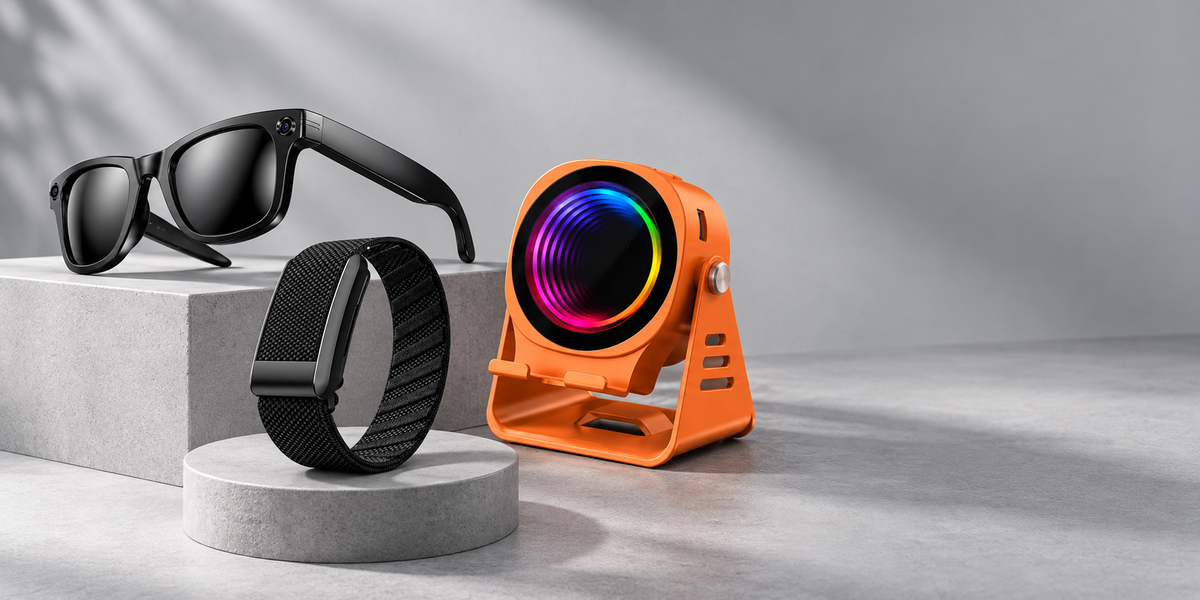
The ULMIED G500 gives you two ways to listen: conduction mode and Bluetooth mode. Choose the one that fits the moment.
Amplify your phone with conduction mode
Place your phone on the G500 stand and play audio from your phone. The conduction mode amplifies the sound directly, so no Bluetooth connection or pairing is needed.
Choose Bluetooth for wireless playback
When you want wireless playback, switch the G500 to Bluetooth mode and pair it with your phone following the product instructions. Then play audio through the speaker.
Keep your screen in view
The adjustable stand gives your phone a place to rest while you watch a video, follow a recipe, or keep content visible at your desk. Set it at a comfortable angle on a stable surface.
Pick the mode that suits your setup
For quick listening with your phone on the stand, use conduction mode. For Bluetooth playback, connect your phone wirelessly. Check the G500 product page and guide for current compatibility, dimensions, and operating instructions.